
Episodes
Each episode is a separate download with its own story and its own set of Copilot skills. Start with any of them.
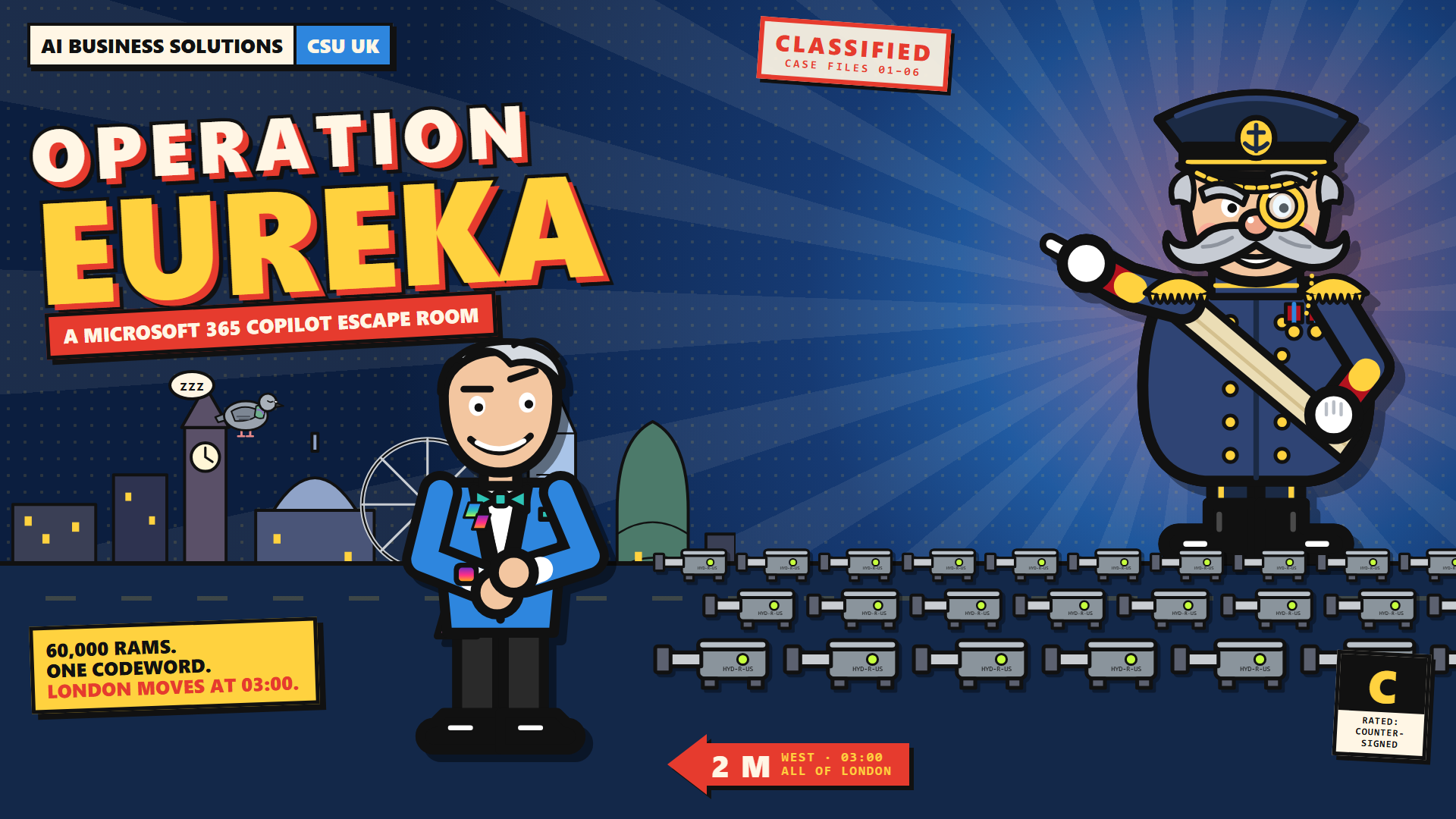
Operation EUREKA
Admiral Analogue’s planning application for a conservatory has been rejected. Rather than move the conservatory, he plans to move London. Use Copilot in Word, Excel, Outlook, PowerPoint and Teams to find the clues and foil his dastardly plot.
The whole game takes around 45 minutes, and each set of puzzles takes about 10. Players can return later by entering their latest completed case’s codeword—keep a note of it to resume from that checkpoint.

The next mission
A new story and a new set of Copilot skills. Even the Captain hasn’t been briefed yet.
How to install the game
No app registration, no server code, no add-ins. Just files in a SharePoint document library.
Download
Pick an episode and download its ZIP.
Upload
The game works on any SharePoint site, but we recommend your intranet. Extract the ZIP, create a new folder (for example, Operation-Eureka), and upload all eight files from Upload-to-SharePoint into it.
Share
Locate the index.html and copy the link. Share this with your colleagues to invite them to play.
Let the Captain show you how
A short walkthrough: download, upload and share. Pause at any time to follow along.
Press play to follow the three steps above.
The video could not be loaded. Download the video, or follow the three steps above.
Read the installation instructions
- Click Download on the episode card and save the ZIP.
- Find the ZIP in Downloads. Right-click it, choose Extract All, then Extract. Open the extracted package and locate Upload-to-SharePoint, containing all eight game files.
- Open any document library on your SharePoint site that your colleagues can access. Create a sensibly named folder, such as Operation-Eureka, and open it.
- On your computer, open Upload-to-SharePoint. Select all eight files and drag them into your new SharePoint folder. Wait until the upload finishes. Keep all eight files together.
- Select index.html in SharePoint and click Copy link. Check your colleagues have permission to access the folder, then copy the link and share it in an email or Teams message.
The video uses simplified, animated screens based on a real installation. Button positions may vary in your SharePoint site. The evidence filenames are shortened in the animation for readability.
Optional: improve the meeting captions
SharePoint normally generates captions for Daily-standup-recording.mp4 automatically. These are usually good enough, so this is not an extra installation step. For the most accurate wording, you can replace them with the supplied captions.
- Click Daily-standup-recording.mp4 in your SharePoint folder to open it in Stream.
- Click Video settings on the right.
- Expand Transcript and captions.
- Click the three dots beside the existing captions and choose Replace.
- Select the supplied Daily-standup-recording.vtt file. If the picker asks for a file on your computer, use the copy in the ZIP you extracted. Confirm the replacement if prompted.
You need edit access to the video to change its settings. If automatic captions have not appeared yet, allow time for processing; where available, use Upload in the same panel to add the supplied VTT instead.
Things you need to know
A few practical answers before you start.
Is Captain Copilot free?
Yes. It's a free community training project. Your organisation's Microsoft 365 licences and policies still apply.
What do players need?
A Microsoft 365 Copilot licence, SharePoint access, and a supported desktop browser, such as Edge or Chrome. Oh, and we strongly recommend headphones.
Do I need technical skills to install it?
No. If you can upload files to SharePoint, you can install Captain Copilot. Download and extract the ZIP, upload all eight game files to a folder in a SharePoint document library, then share the link to index.html. Follow the installation guide.
What will players learn?
Each game explores a different part of Copilot. Operation EUREKA uses puzzles to practise Copilot in Word, Excel, Outlook, PowerPoint and Teams. Episode 2 will introduce agents.
How long does it take?
Allow around 45 minutes for the full game, with each set of puzzles taking about 10 minutes. Complete a set and you'll receive a codeword that acts as your saved-game checkpoint. Keep a note of your latest codeword and use it to pick up where you left off, so you can play at your own pace.
Can I try it before installing?
Yes. The website has a playable Word sample. You'll need Word with Microsoft 365 Copilot to work through the supplied fictional handbook.
Should I use my own work documents?
No. Use only the fictional evidence supplied with the game. Never paste real customer, financial or personal data into the puzzles. The installed game runs on your organisation's SharePoint site and does not send gameplay data back to us. Using fictional evidence helps players build good data-handling habits for their everyday work with Copilot.
Does the installed game send gameplay data back to you?
No. The downloadable game runs on your organisation's SharePoint site and does not send gameplay data back to the project team.
How can I get support?
Start with the installation guide above. For Microsoft 365 Copilot licences, SharePoint permissions or your organisation's settings, contact your IT team.
If you've found a bug in the game or have feedback, contact Anthony Sheldrake on LinkedIn. Include the game version, your browser, which case or puzzle you were on, and what happened. Please don't send real work documents, personal data or confidential information.
This is a free community project, not a formal Microsoft support service. Help is offered on a best-effort basis, with no guaranteed response time or fix.